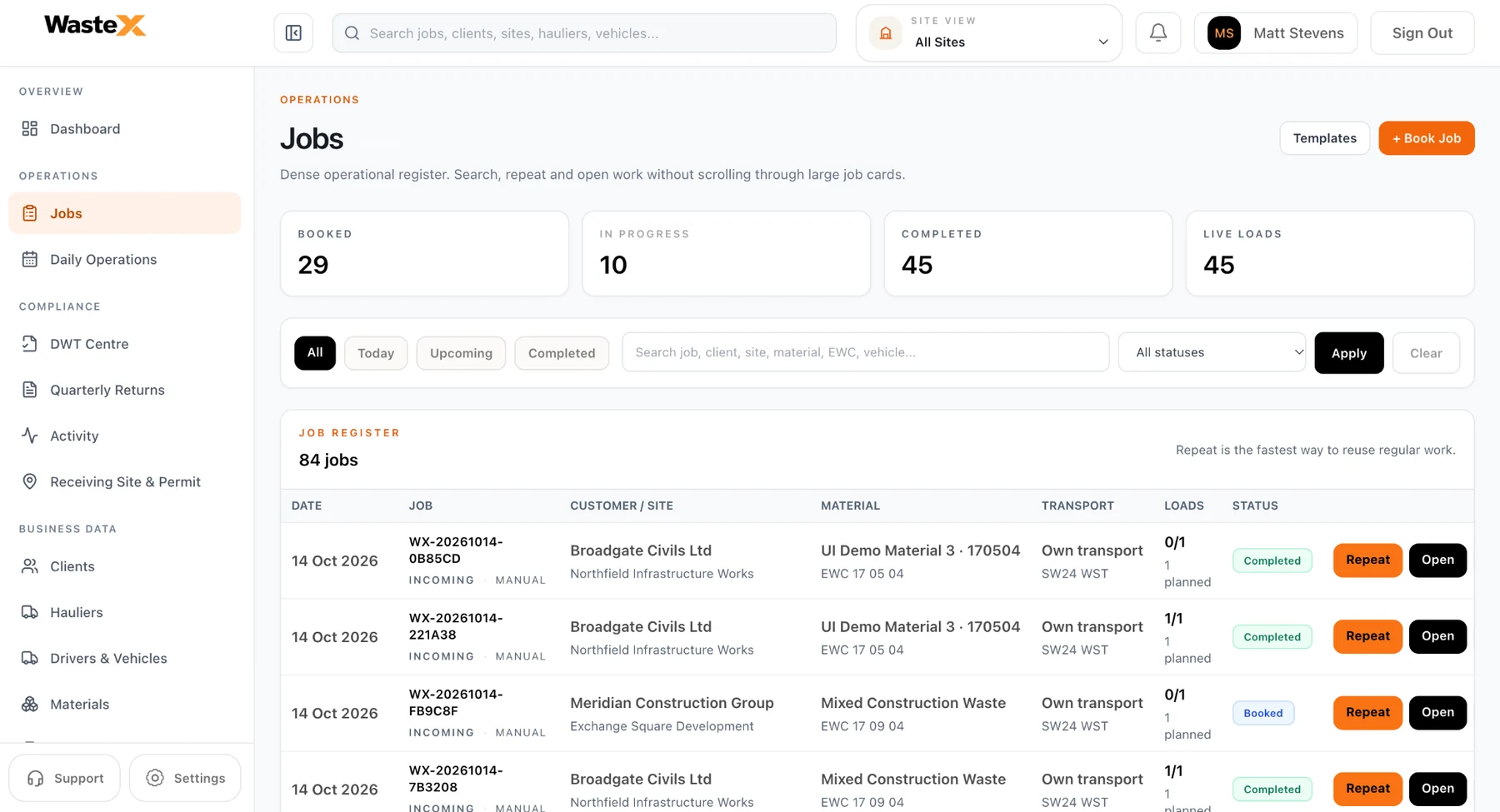
MOVEMENTS
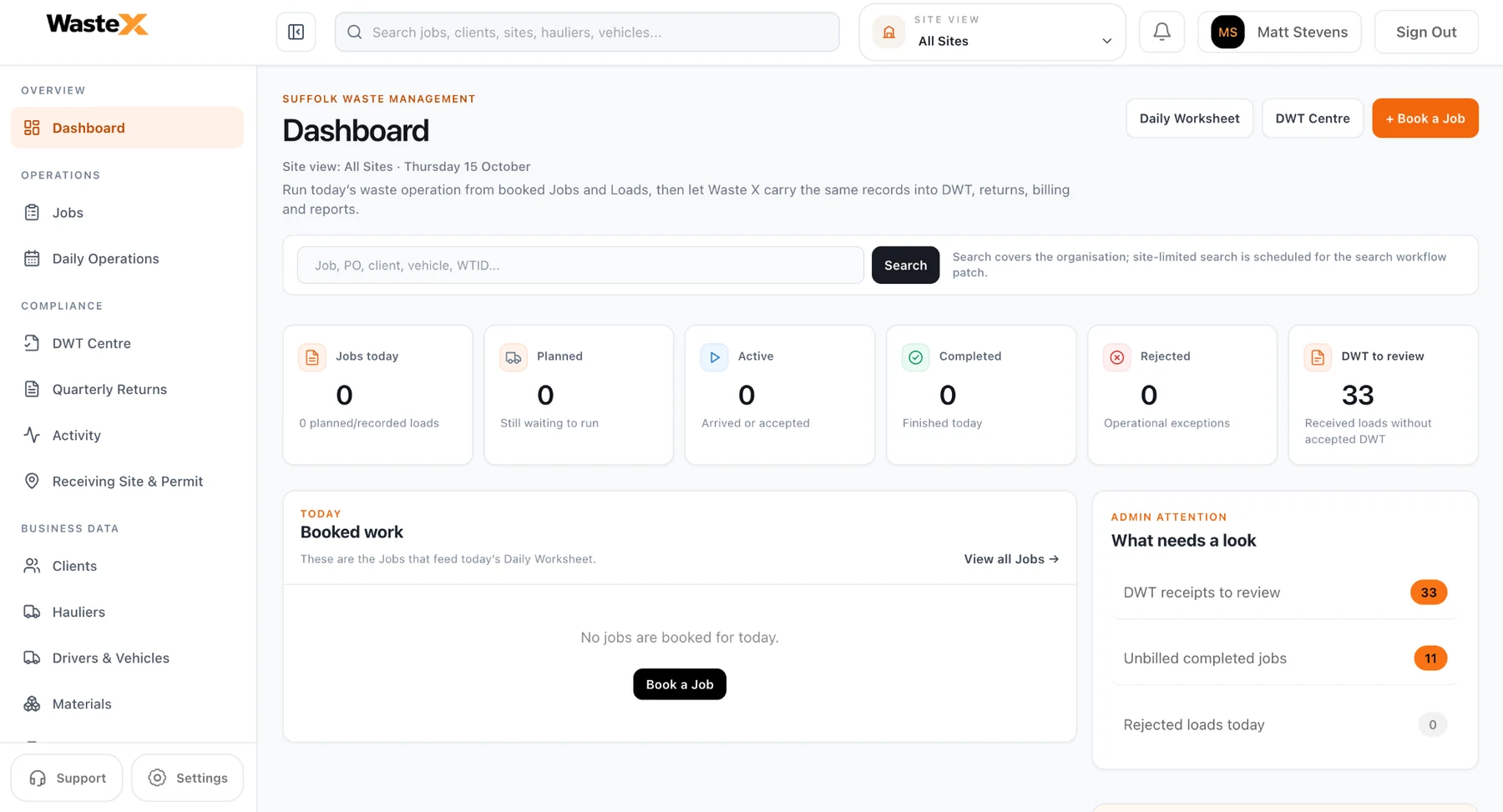
Live waste operations
Jobs, movements and reporting stay connected.
Solutions we offer
From the first booking to the final receipt and report, Waste X keeps the operational record connected instead of spreading the same job across paper, spreadsheets and separate systems.
Book work, organise loads and keep planned, live, completed and exception activity visible in one place.
Connect collection-to-destination work with the customer, site, driver, vehicle and waste movement behind it.
Track incoming and outgoing waste with searchable movement records tied back to the operational job.
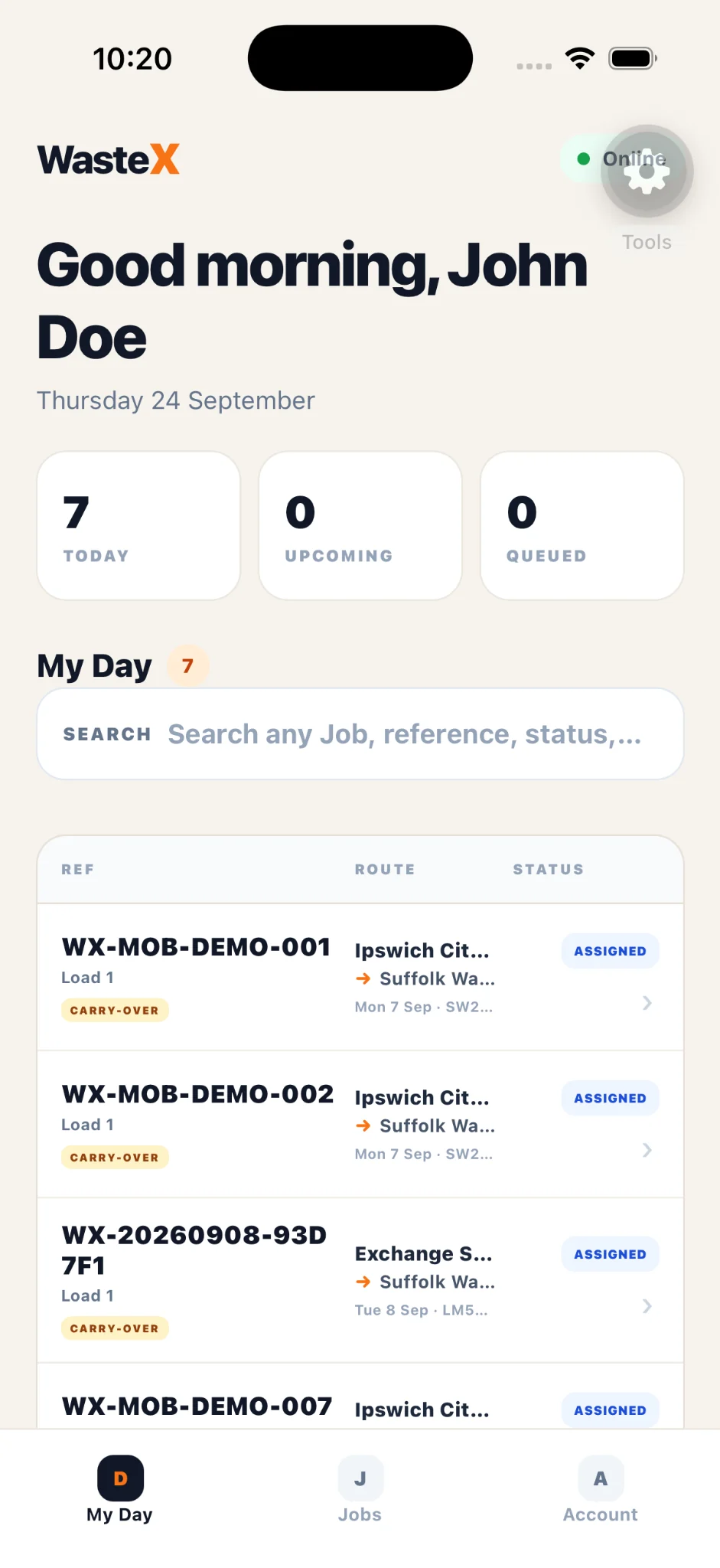
Assign field work, keep driver progress visible and connect transport activity to the same operational record.
Record site decisions, weights and receiving activity without creating a separate disconnected workflow.
Carry factual operational data into receipt-of-waste reporting, quarterly returns and compliance records.
GOV.UK compatible software provider list
Waste X is listed on GOV.UK as Waste X — Waste X Tracking. GOV.UK says compatible API software must integrate with the receipt of waste API and pass production approval tests.
Waste management software
Waste X is not a form sitting beside the operation. Jobs, customers, loads, incoming and outgoing movements, receiving decisions, DWT, quarterly returns and audit records work from the same operational data.
MOVEMENTS
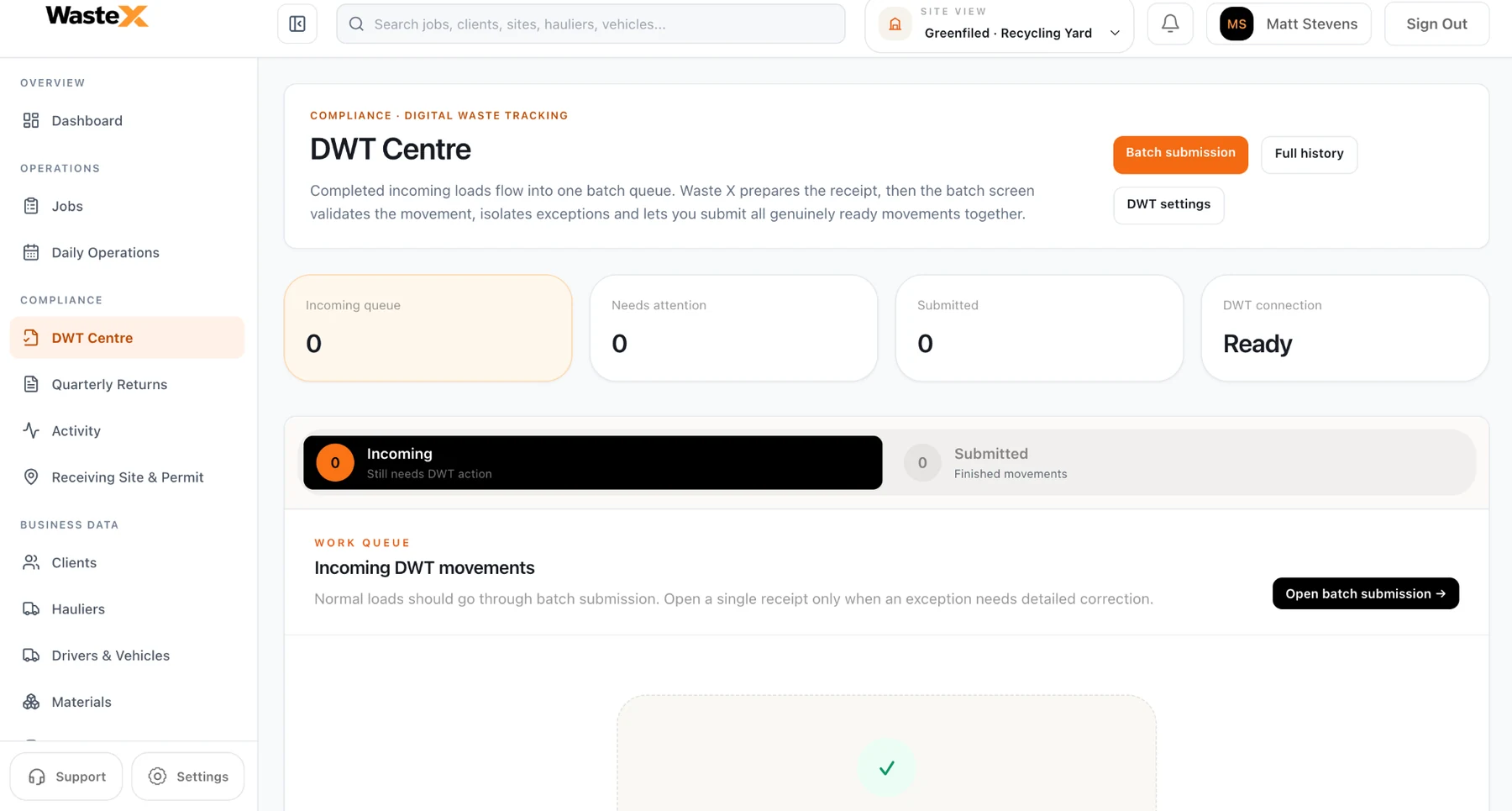
DIGITAL WASTE TRACKING
Built around real roles
Waste X supports organisations operating as generators, carriers, managers and receiving sites — including businesses that span several roles.
RUN THE DAY
Operations teams can work from a single daily surface instead of piecing the day together from calls, spreadsheets and separate systems.
Waste X Mobile
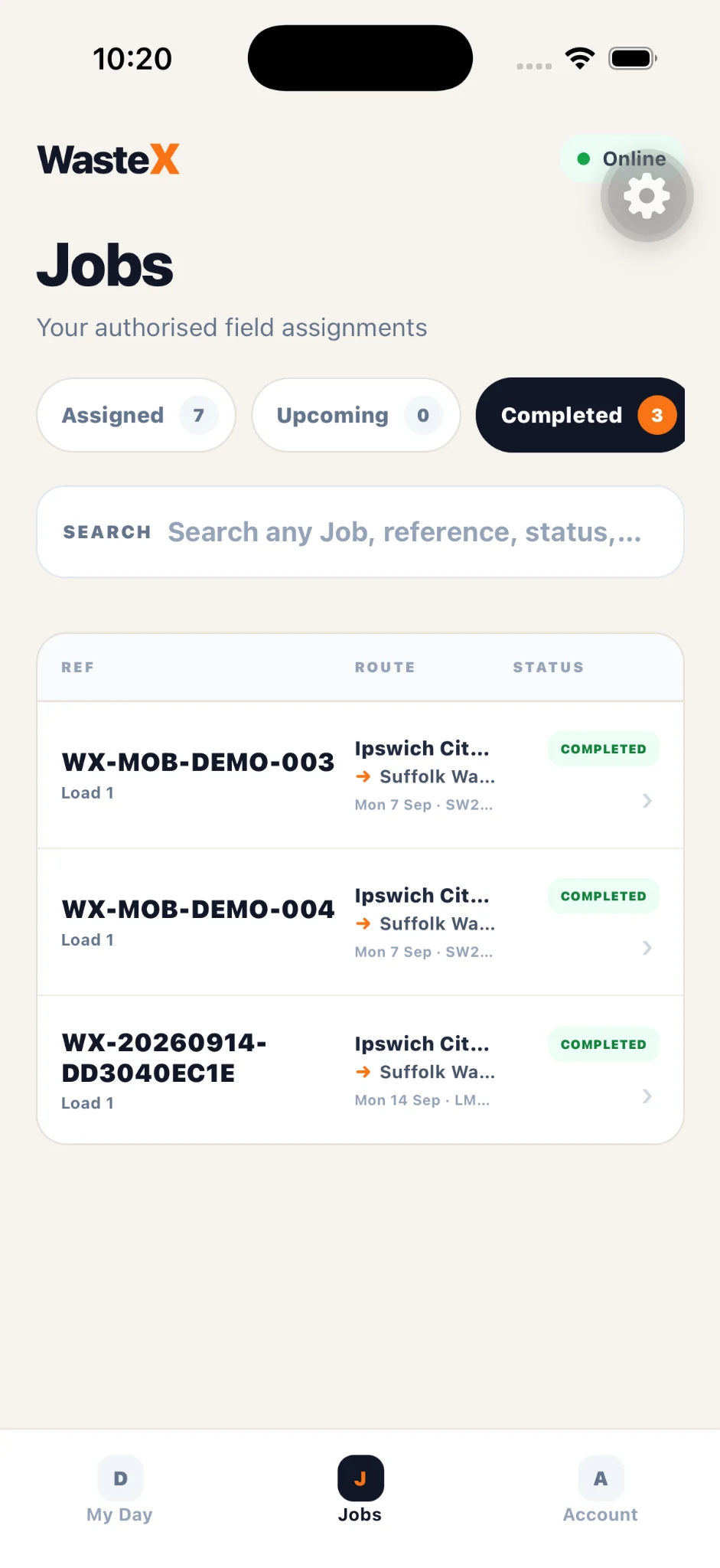
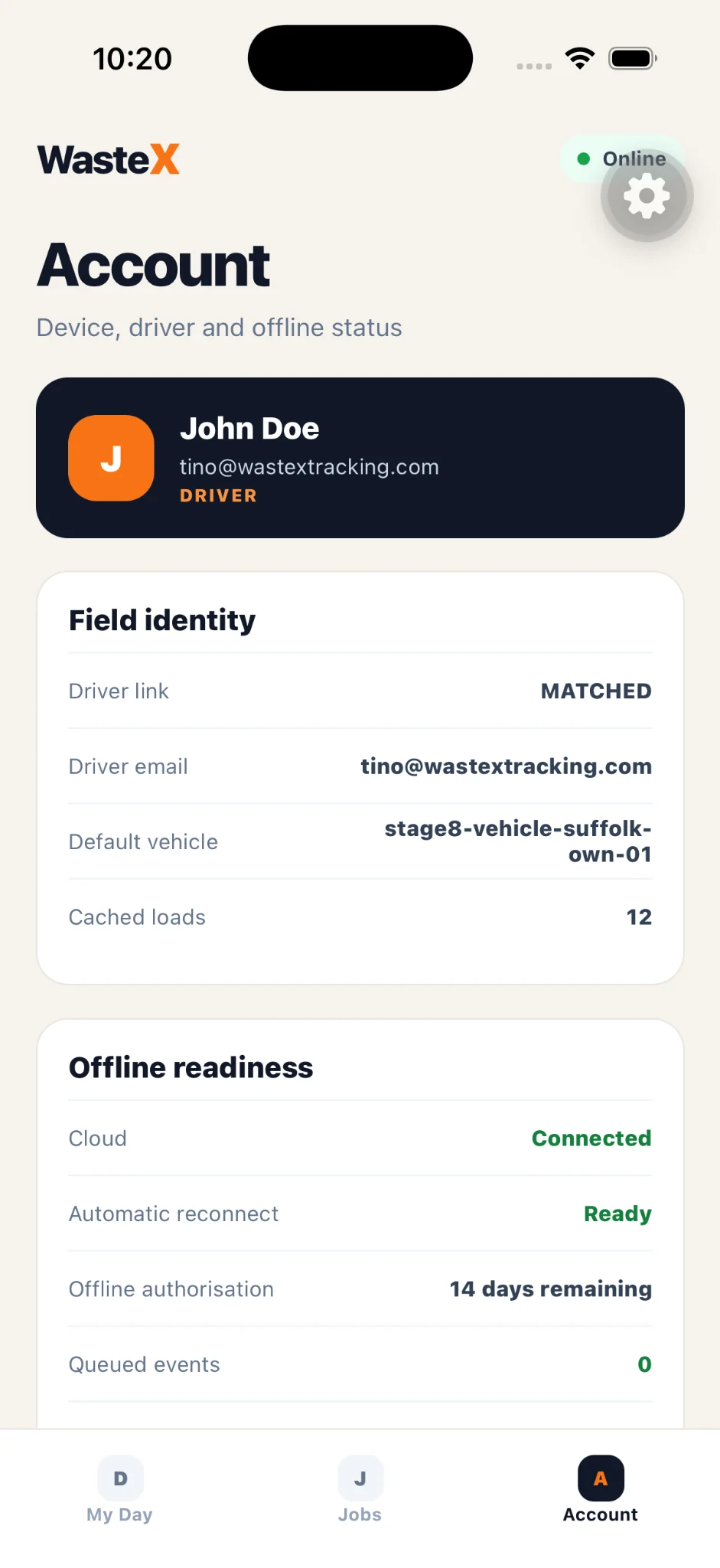
Drivers see authorised jobs, routes and current status from a focused field app. Offline readiness and queued events help the operation keep moving when connectivity is unreliable.
Digital waste tracking FAQ
Clear answers around Digital Waste Tracking, receiving-site reporting and where Waste X fits into the operational workflow.
Digital waste tracking is the UK government's move toward digital reporting of waste movements. The first mandatory phase focuses on permitted and licensed waste receiving sites reporting controlled waste they receive.
From 1 October 2026, permitted or licensed waste receiving sites in England and Wales must use the Report receipt of waste service. Scotland and Northern Ireland follow from 1 January 2027.
Yes. GOV.UK lists Waste X — Waste X Tracking on its compatible software provider list. The guidance states that compatible software used through the API must integrate with the receipt of waste API and pass production approval tests.
Waste X supports waste generators, carriers, managers, receiving sites, drivers and compliance teams, including organisations that operate across more than one role in the waste chain.
Get started with Waste X
You can create your Waste X account today and set up your business workspace at your own pace. We've made getting started simpler, so you can focus on running your operation.
Getting started is self-service. Regulated actions remain subject to the appropriate authorisation and checks.
Three simple steps
Sign up with your email or Google. There's no manual access request to wait for.
If you signed up by email, verify it using your secure confirmation link.
Add your business and start organising jobs, sites and operational records.
See Waste X in your operation